

South Korea public transportation guide for tourists
A first-time visitor’s guide to Korea’s subway and buses, Tmoney and EZL transit cards, transfer discounts, and travel from Incheon Airport.
Read guideYOUR KOREA TRANSIT ESSENTIAL
For public transportation in South KoreaKorea rewards many bus and subway connections with a transfer discount when you tap the same transit card on and off within the local time window. HWANTA explains the rule for your area, guides you through transit cards, and tracks the time left for your next ride.
159-city/county policy census
KOREA TRANSFER DISCOUNT — QUICK ANSWER
In many regions, use the same eligible transit card when boarding and getting off, then board the next eligible bus or subway within the local transfer window. Exact time limits, transfer counts, and same-route exclusions vary by region and operator.
Tap the same eligible card when you board and when you get off.
The local transfer window usually starts from your exit tap.
Transfer within the limit and check route, count, and operator restrictions.
PRACTICAL ADVICE FOR KOREA TRAVEL
Seven essentials for your first trip.
The safest choice is for each person to use a separate card. Paying for a group with one card can limit transfer discounts, especially when connecting to the subway.
Tap when getting off even if you will not transfer. A missed exit tap can cause an extra fare or break your next transfer discount.
Transit cards work on the All-Stop Train. The reserved-seat Express Train between the airport and Seoul Station needs a separate ticket.
Official airport-to-city guideCall 1330 for multilingual travel and transport help, 112 for police, or 119 for fire and ambulance.
1330 travel help and interpretationMany transit-card sellers and reload machines do not accept foreign-issued cards. Carrying Korean won cash is the most reliable option.
To receive child or youth public-transport fares, register the cardholder’s date of birth at a convenience store when buying the card.
In many cities, including Seoul and Daegu, children under age 6 ride city buses and urban rail free when accompanied by an adult guardian. Check separate rules for children traveling alone, KTX, airport, express, and intercity buses.
Seoul’s official infant fare ruleKOREA TRAVEL TRANSPORT GUIDES
Practical, source-backed guides to transit cards, transfer discounts, and traveling from Incheon Airport to Seoul.
A first-time visitor’s guide to Korea’s subway and buses, Tmoney and EZL transit cards, transfer discounts, and travel from Incheon Airport.
Read guideHow to buy and reload Tmoney or EZL, register youth fares, and check when children under 6 ride free.
Read guideUse the same card, tap on and off, and transfer within the local time limit.
Read guideKnow the difference between the transit-card All-Stop Train and the reserved-seat Express Train.
Read guideBUILT FOR YOUR NEXT RIDE IN KOREA
Learn how Korea’s transfer system works, choose a transit card, then start a timer wherever an official transfer window is confirmed.
Review transfer times and conditions researched for 159 cities and counties.
See widely accepted cards, where to buy and reload them, and the tap-on/tap-off steps for your selected area.
Get reminders before your transfer window expires, even when the app is in the background.
See the source and verification date used for each policy in the app.
SEE IT IN ACTION
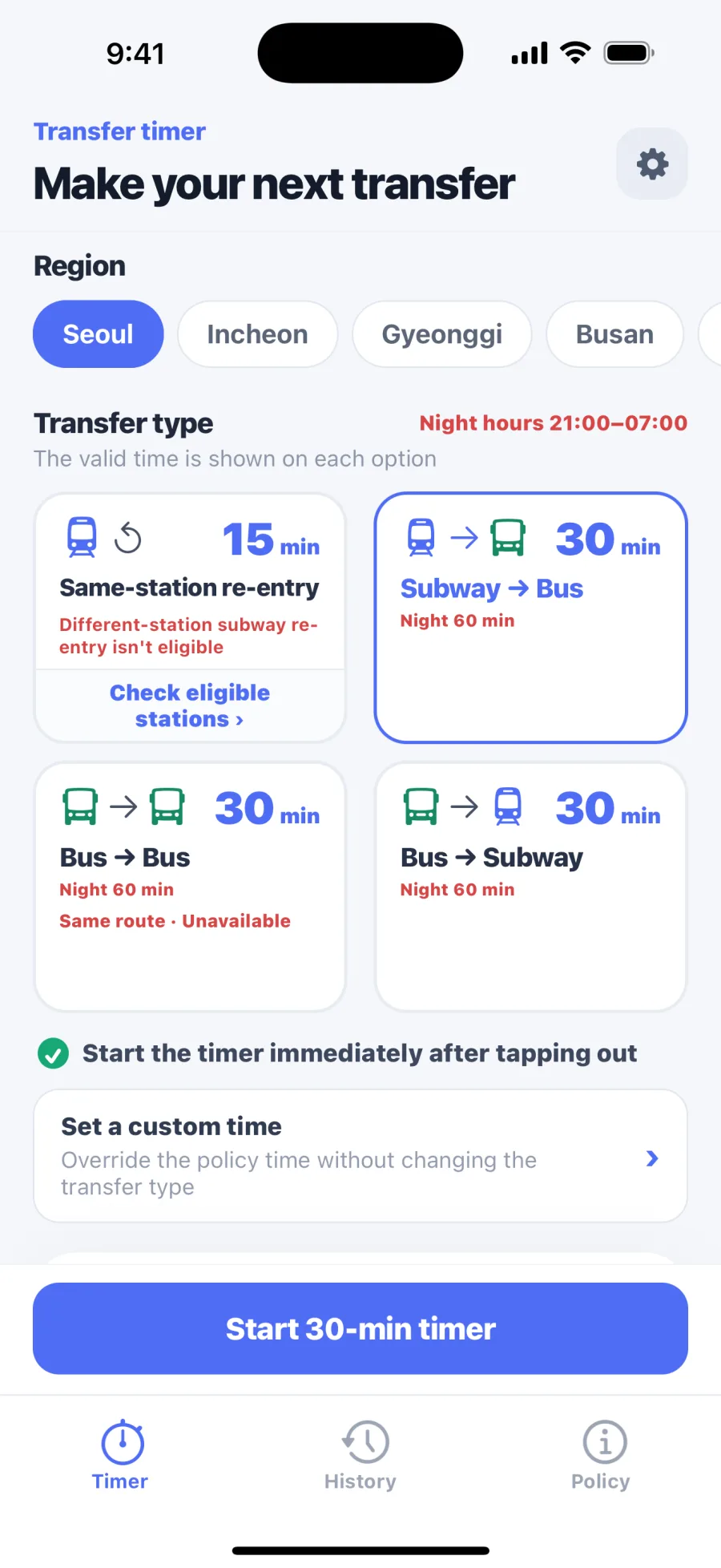
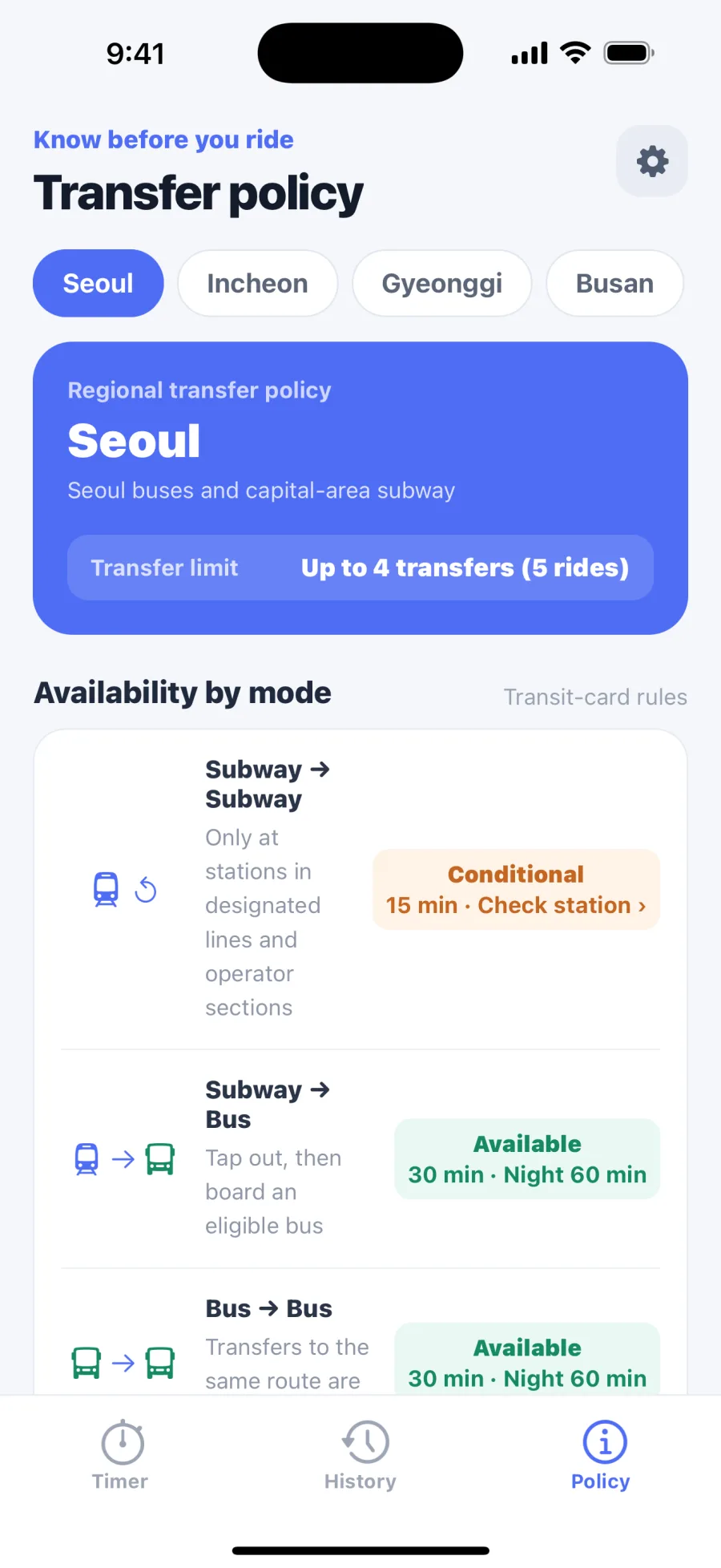
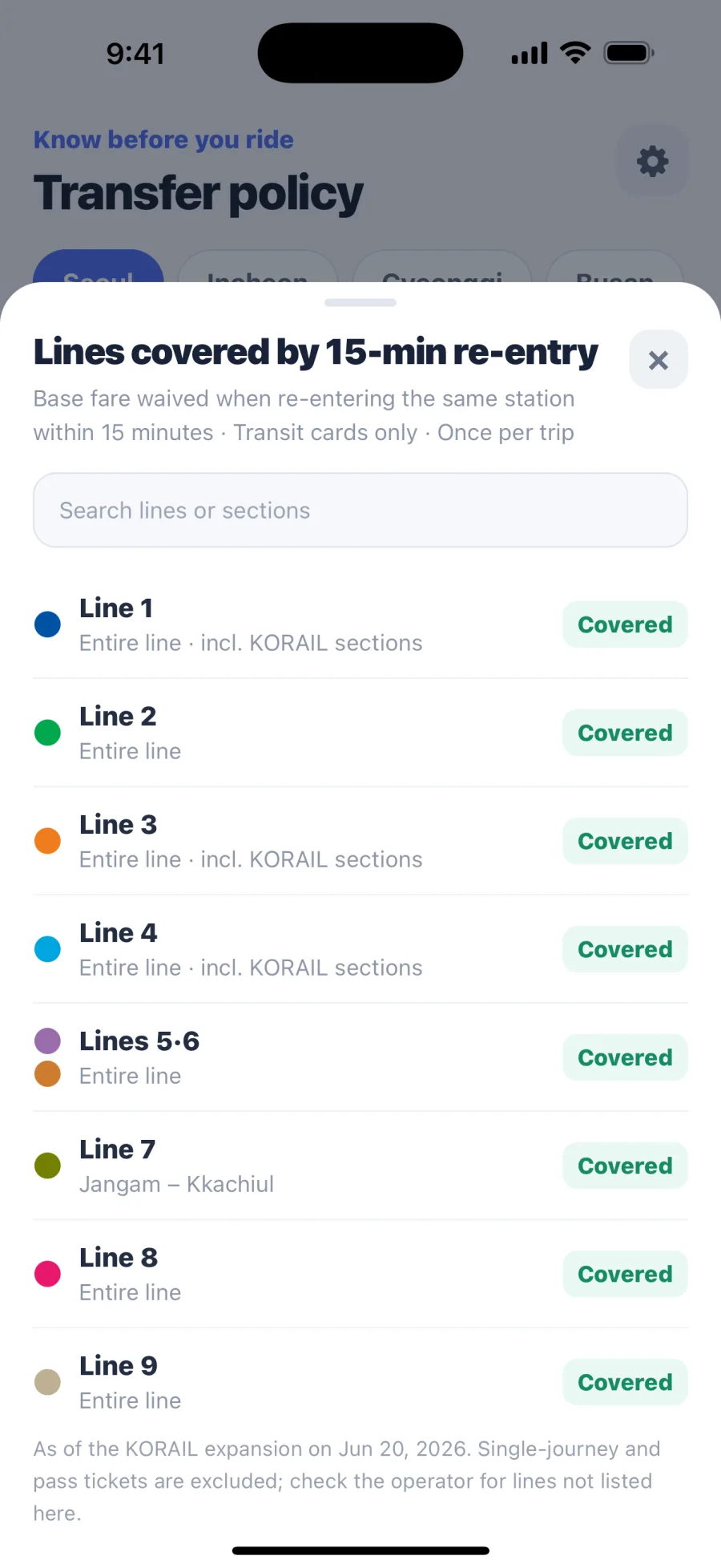
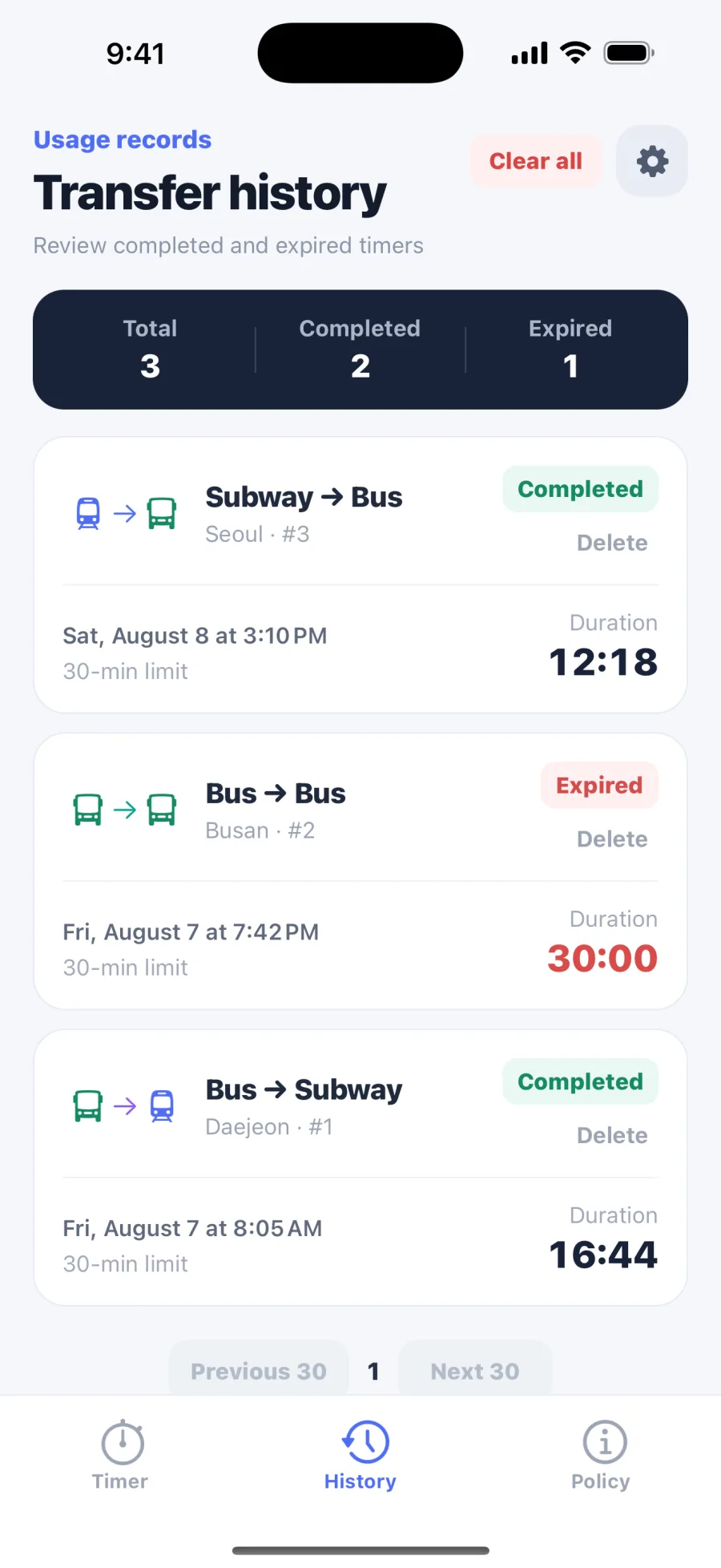
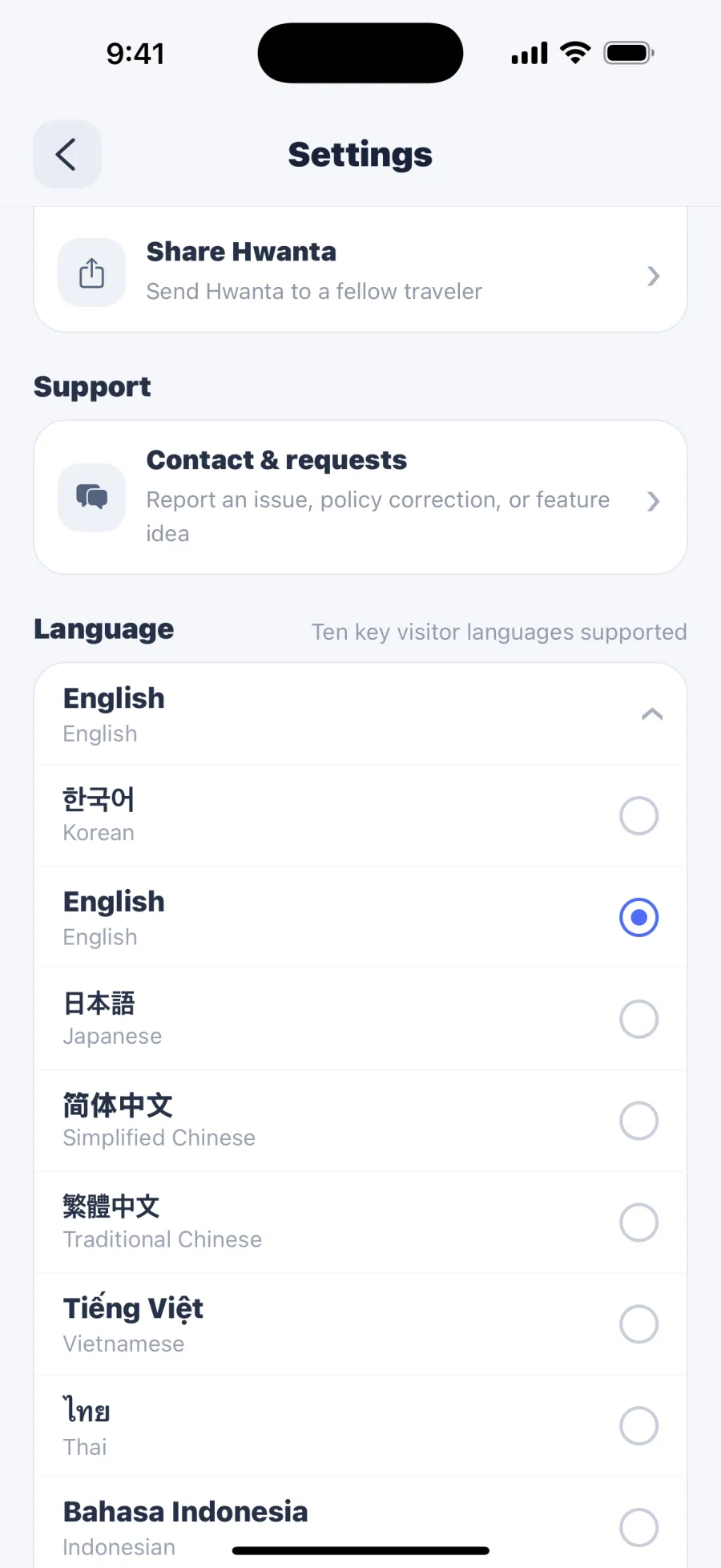
These are real app screens in English, including the timer, policies, history, and language settings.
FASTER ON IPHONE AND ANDROID
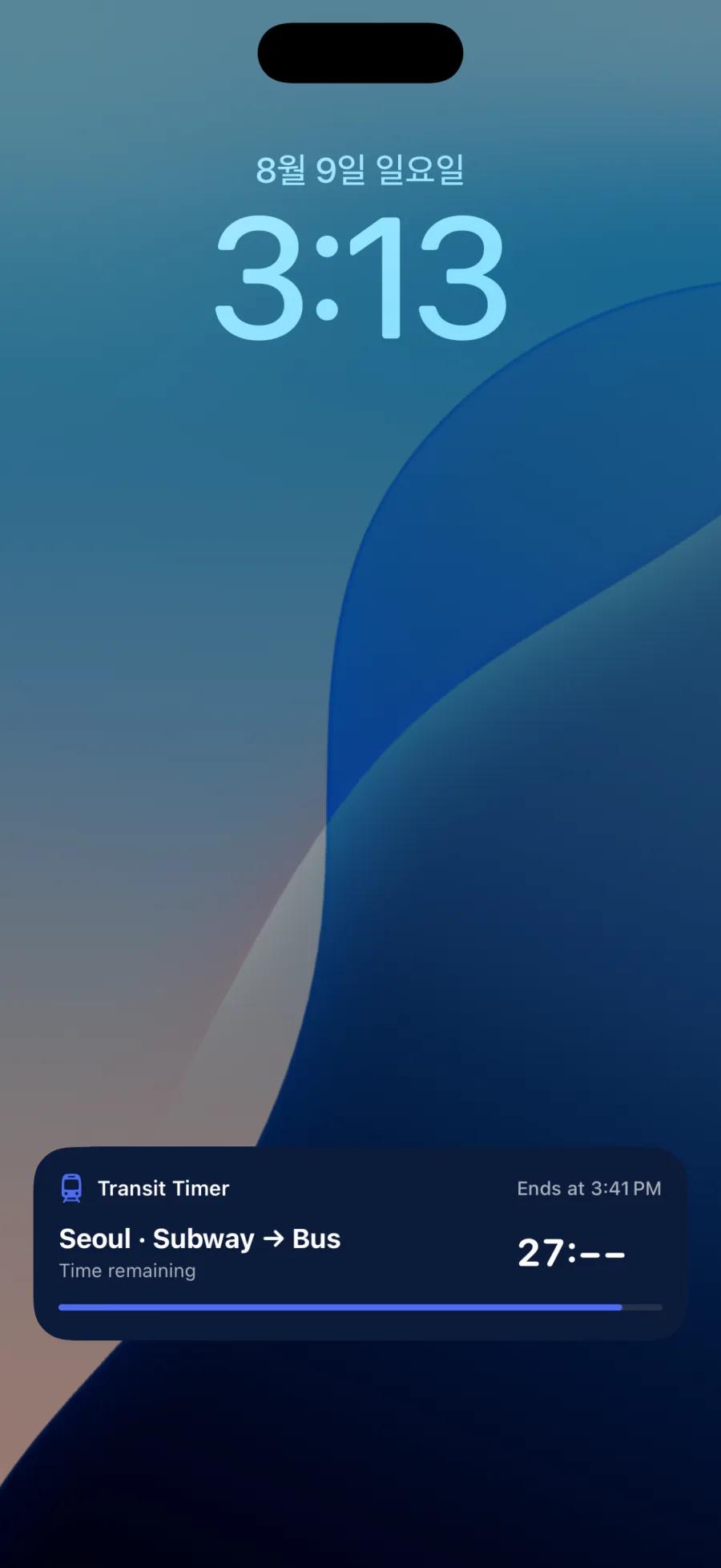
On both iPhone and Android, start a timer from the Home Screen widget and keep checking the remaining time from the Lock Screen.
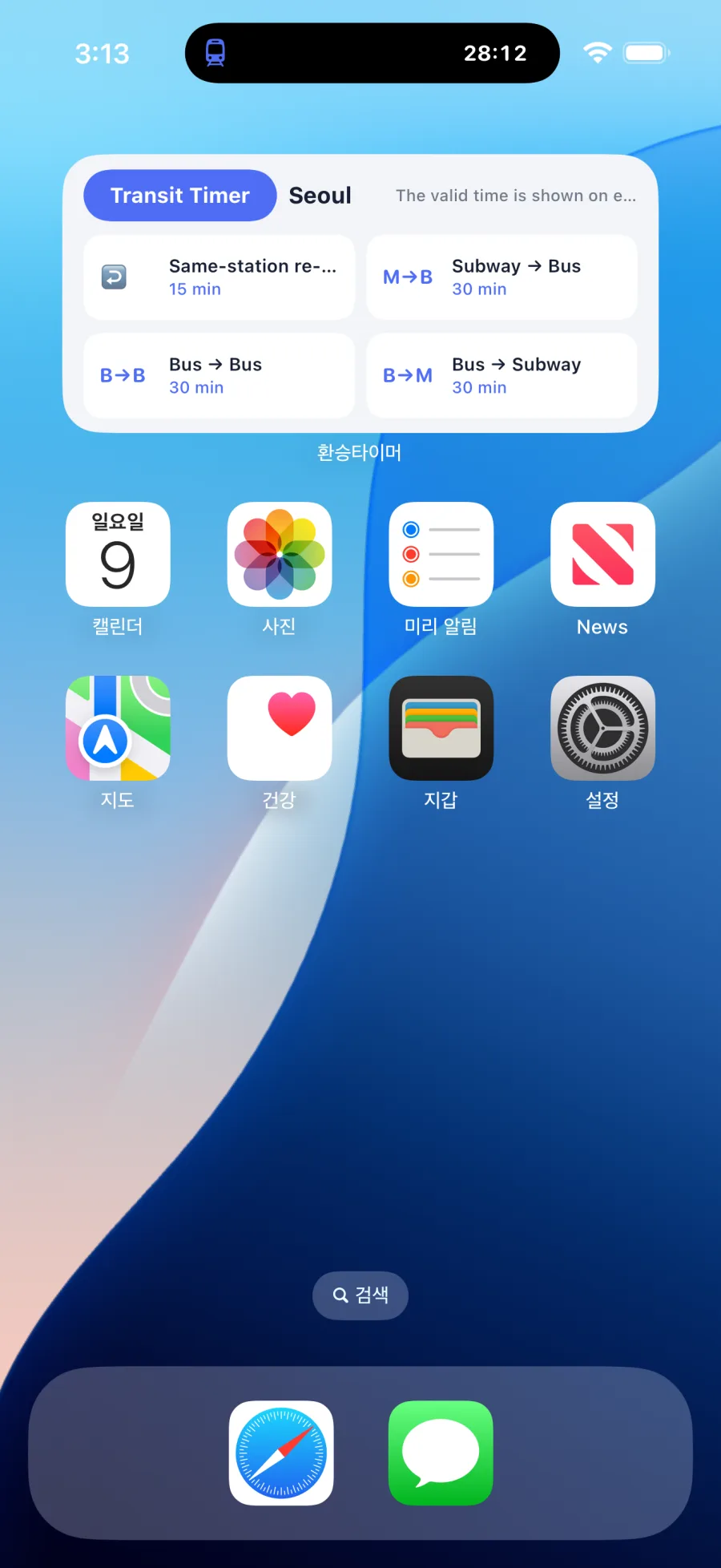
Set your transit area, then tap one of four transfer types to start the applicable timer.
Starting a timer in the app or widget automatically shows the remaining time on the Lock Screen. On supported iPhone models, the countdown also appears in Dynamic Island at the top of the screen.
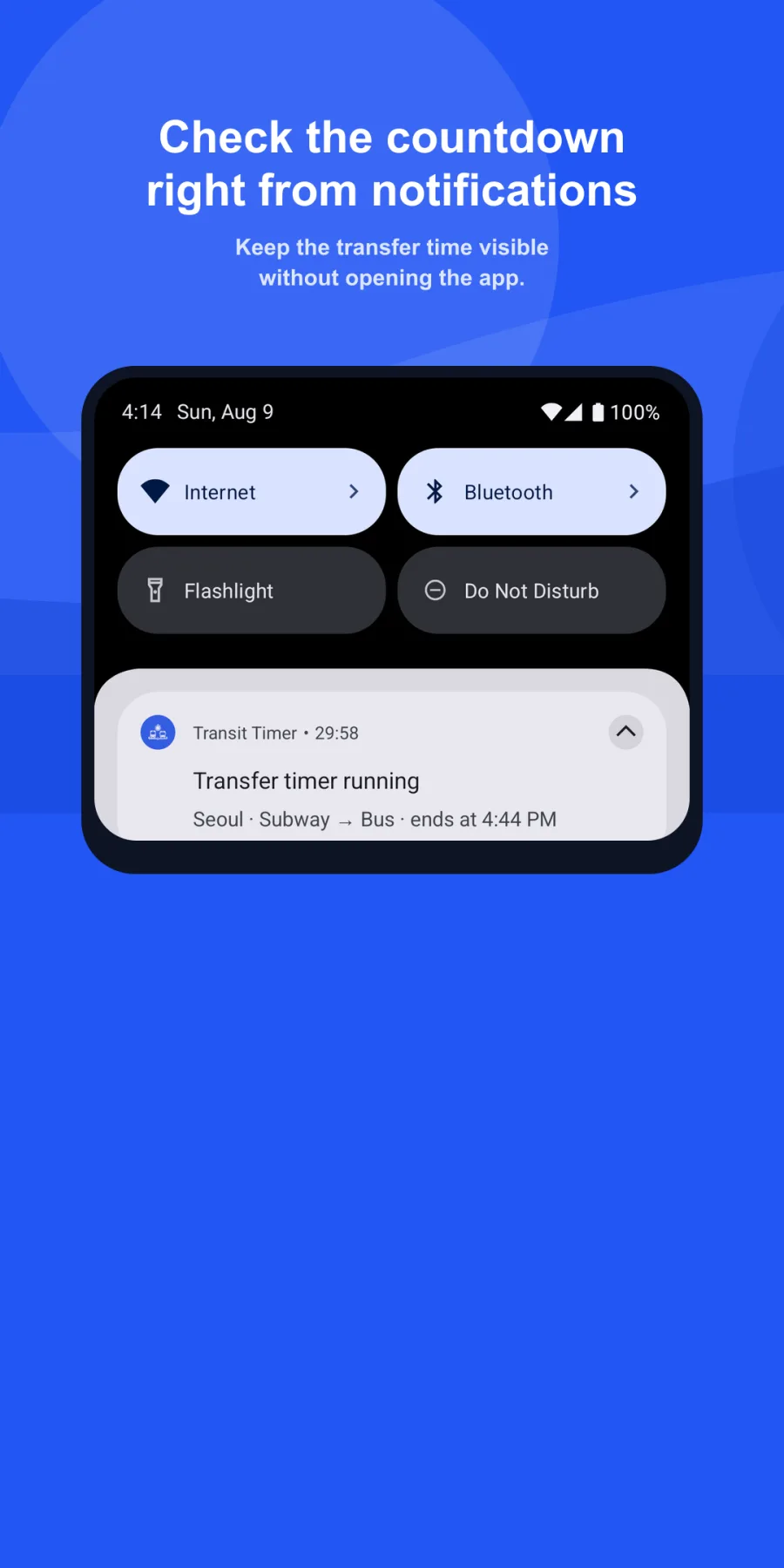
When a timer starts, an ongoing countdown notification stays visible on the Lock Screen and notification shade. Supported Android 16 devices can also show a live status chip in the status bar.
HOW IT WORKS
Use the same transit card when you board and get off, then start HWANTA after your exit tap.
Select where you are traveling and how you are transferring.
The applicable transfer window is set automatically.
Check the remaining time and move to your next ride with confidence.
QUICK ANSWERS
Clear answers about transfer rules, offline use, widgets, and Lock Screen timers.
HWANTA is an essential Korea travel companion for public transportation. It explains regional transfer discounts and transit cards, then tracks the transfer window for your next bus or subway ride.
In many regions, you tap the same eligible transit card when boarding and getting off, then board the next eligible service within the local time window. The exact time, route exclusions, and transfer count vary by region and operator, so HWANTA shows the selected area’s policy.
Tmoney and EZL are widely accepted and sold at convenience stores nationwide. The app’s Policy tab explains where to buy and reload them, how to tag correctly, and what to check in your selected area.
We use verifiable evidence such as published guidance from local authorities and transit operators, plus information-disclosure responses. The app shows the source and verification date. Rules can change, so check the latest operator guidance before an important trip.
You can review the policy status for 159 cities and counties. Timers are available where an official transfer window or fare-free transit policy is confirmed; areas with unpublished details or policies needing separate confirmation are clearly marked.
Yes. The core timer and transfer history stored on your device work offline. Exchange-rate updates and anonymous operational analytics need a network, but a failed request never interrupts the timer.
Touch and hold an empty area on the iPhone or Android Home Screen, find HWANTA in the widget list, and add it. Set your area to start a timer directly from a transfer-type button.
Yes. iPhone shows it on the Lock Screen and Dynamic Island on supported models. Android shows an ongoing countdown notification on the Lock Screen and notification shade, with a live status chip on supported Android 16 devices.
PRIVATE BY DEFAULT
HWANTA works without an account, and timer and transfer history stays on your device. To improve the service, we collect minimal anonymous app operations data and counts for impressions and clicks on our own STiT notice, without advertising identifiers or location data.
Read the Privacy Policy →NOW ON GOOGLE PLAY AND THE APP STORE
Transfer policies may change and can vary by region, route, time, and transit card. Check the latest guidance from the relevant Korean transit authority before an important trip.